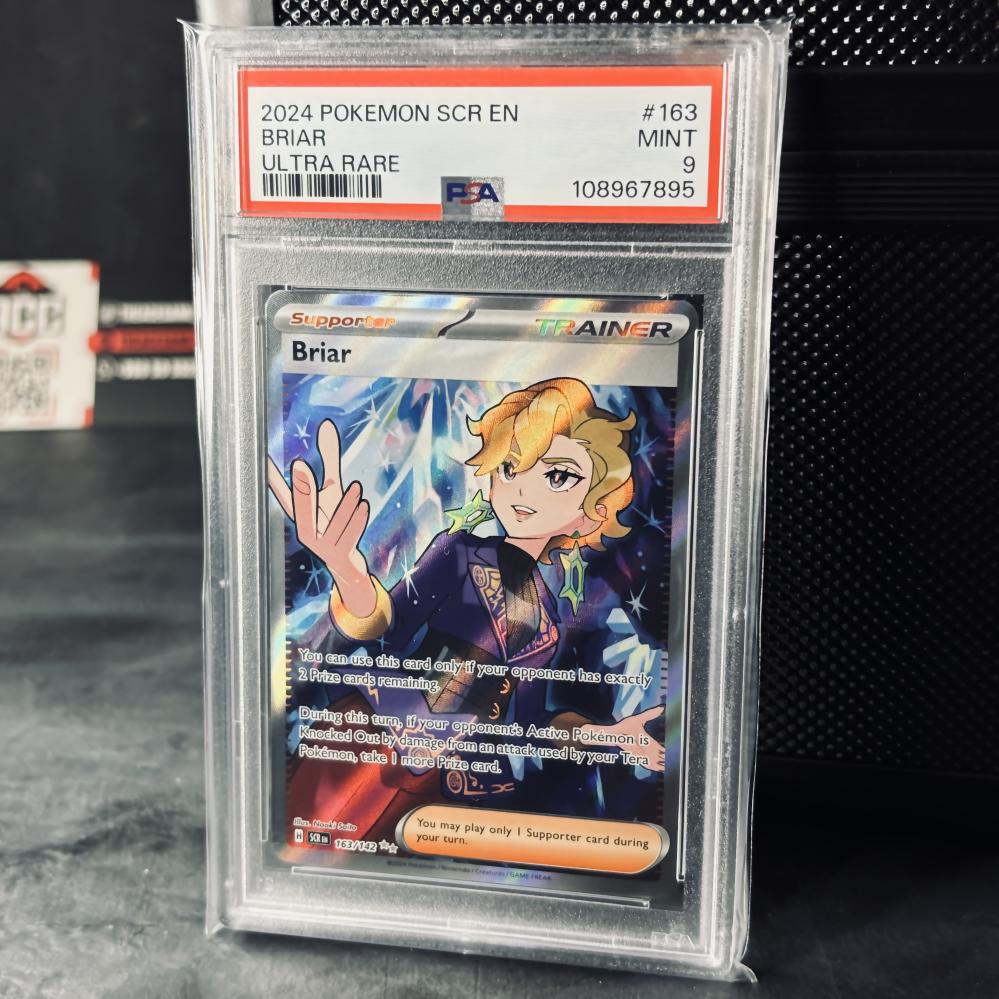
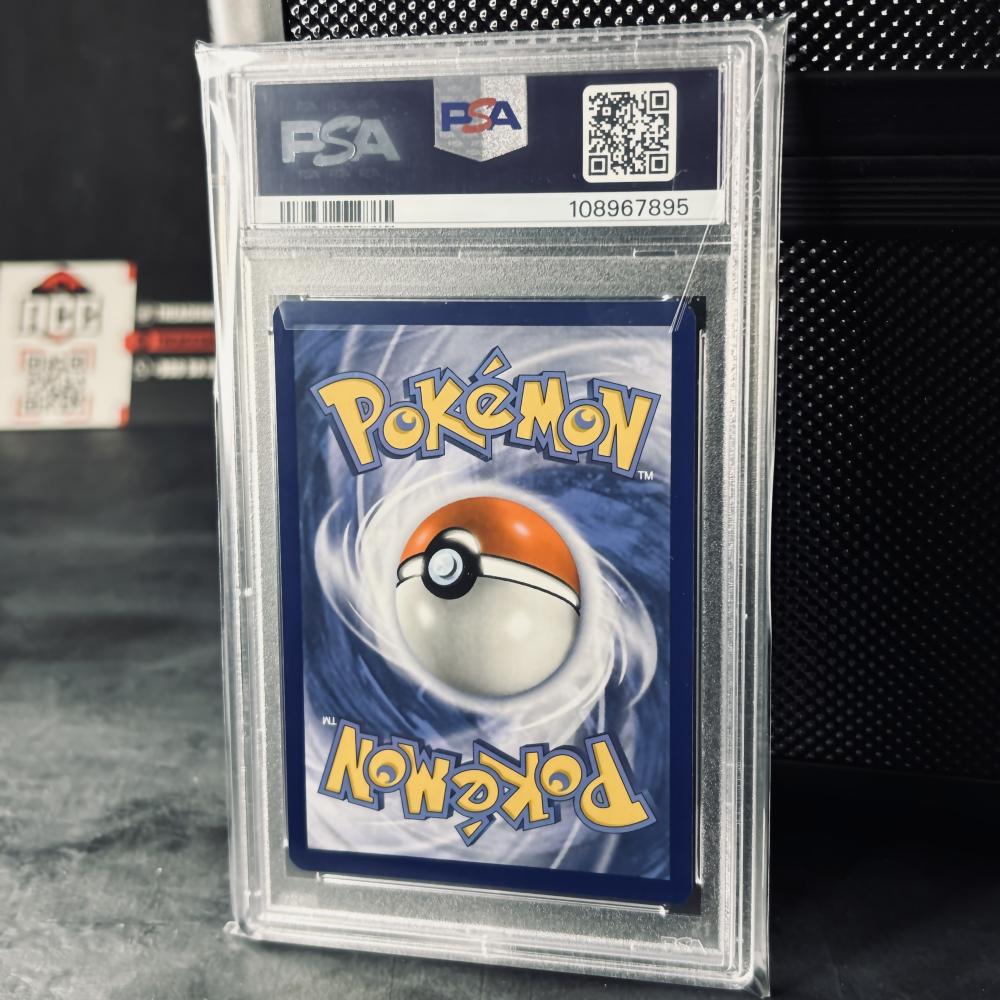
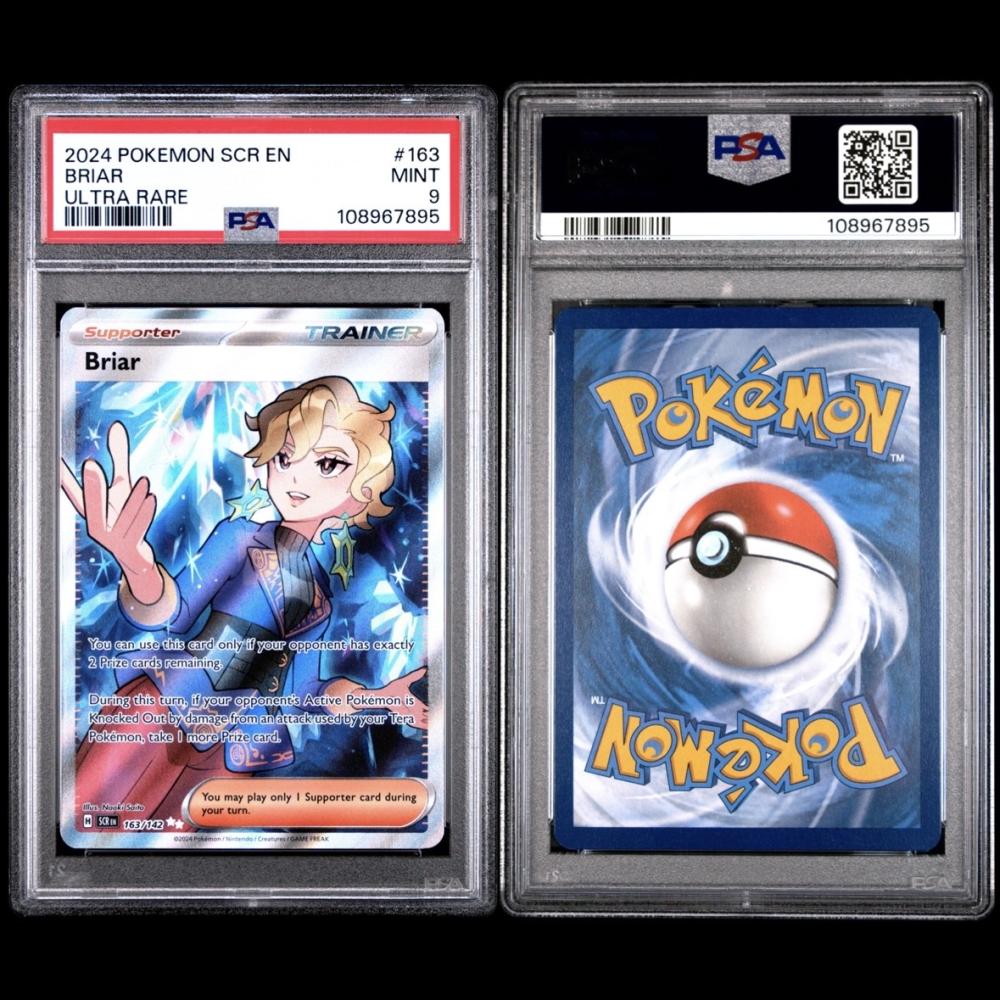
How can you be sure that a Pokémon card or any other PSA-rated card is genuine?
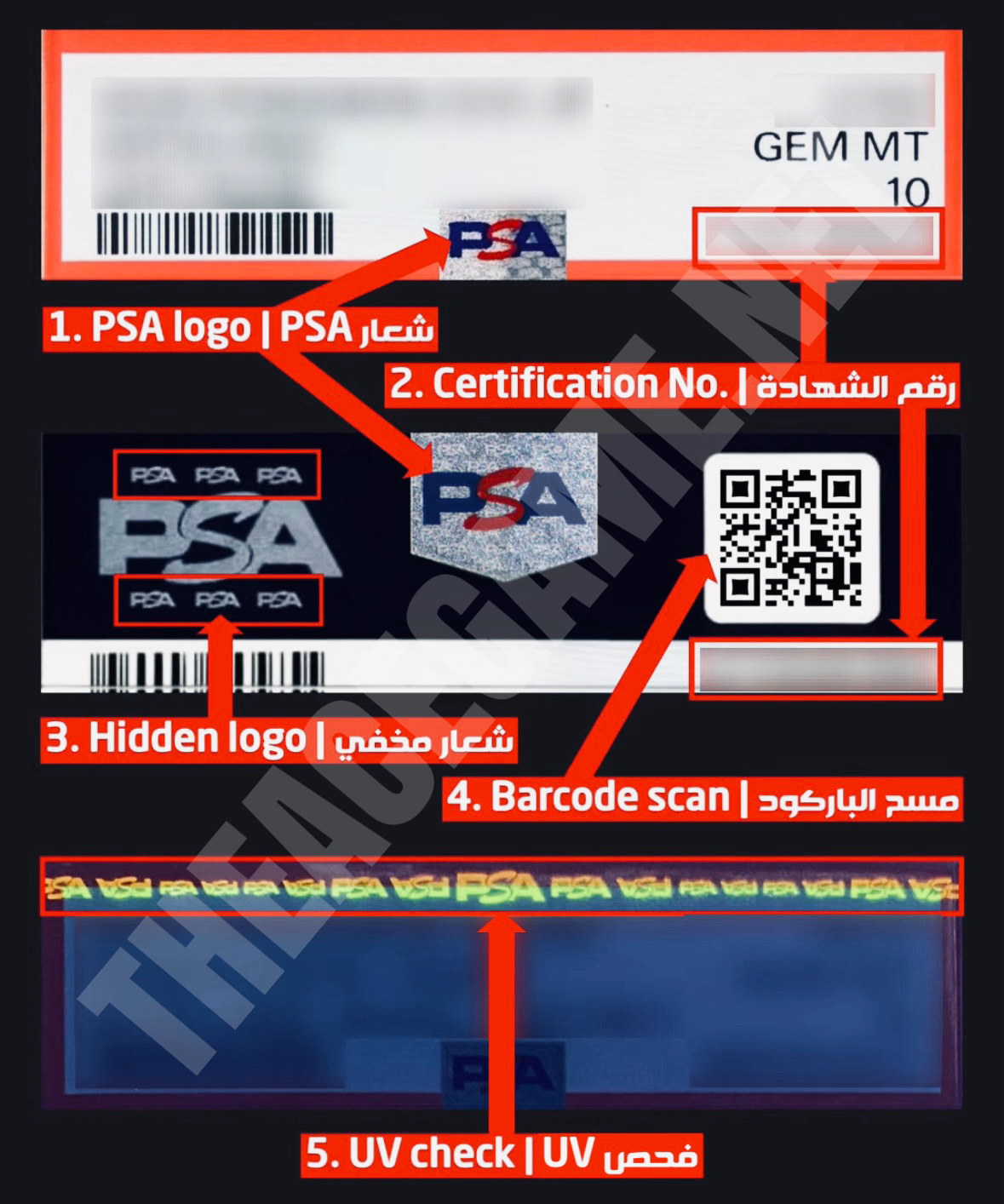
1- Check the PSA logo
The PSA logo is printed in clear blue and red, and in the background the word PSA appears repeated in small print that changes and appears with the light and movement (there is the same logo printed in the back in a larger size).
2- Certification Number
Visit the official website: https://www.psacard.com/cert Enter the certificate number. If the card appears with the same specifications and image, it is genuine.
3- Hidden PSA logo
On the back of the card, on the left side, is the PSA logo, and above and below it are three smaller PSA logos, all integrated into the design and clearly visible when viewed from a suitable angle and lighting.
4- Checking the QR code
Scanning the barcode with your mobile phone should take you directly to the card page on the PSA website.
5- Examination under Black Light (UV)
When a UV light is shone on the PSA label, hidden security markings of the PSA logo appear from above with a distinctive glow pattern. These markings are invisible to the naked eye.
note:
The appearance of inspection marks or details, whether visually or under black light (UV), varies depending on the card type and version, as well as the company's updates to security and printing systems. Therefore:
- Not all cards produce the same effect.
- The shape and placement of the markings may vary from one version to another.
- Security features may change with any future updates from the company.
🔦 We have a Black Light (UV) flashlight available for easy card scanning. You can view or order the product here: https://2u.pw/YHqglZ